Multi-booth management
Every booth, at a glance.
Pair each PC once with a six-character code, assign it to an event, and see camera, printer and pending uploads from one screen. You know a printer is offline before your client does.
Photobooth software
Beautiful photobooth experiences, powered by software that makes everything effortless.
No card neededAny camera, any printer
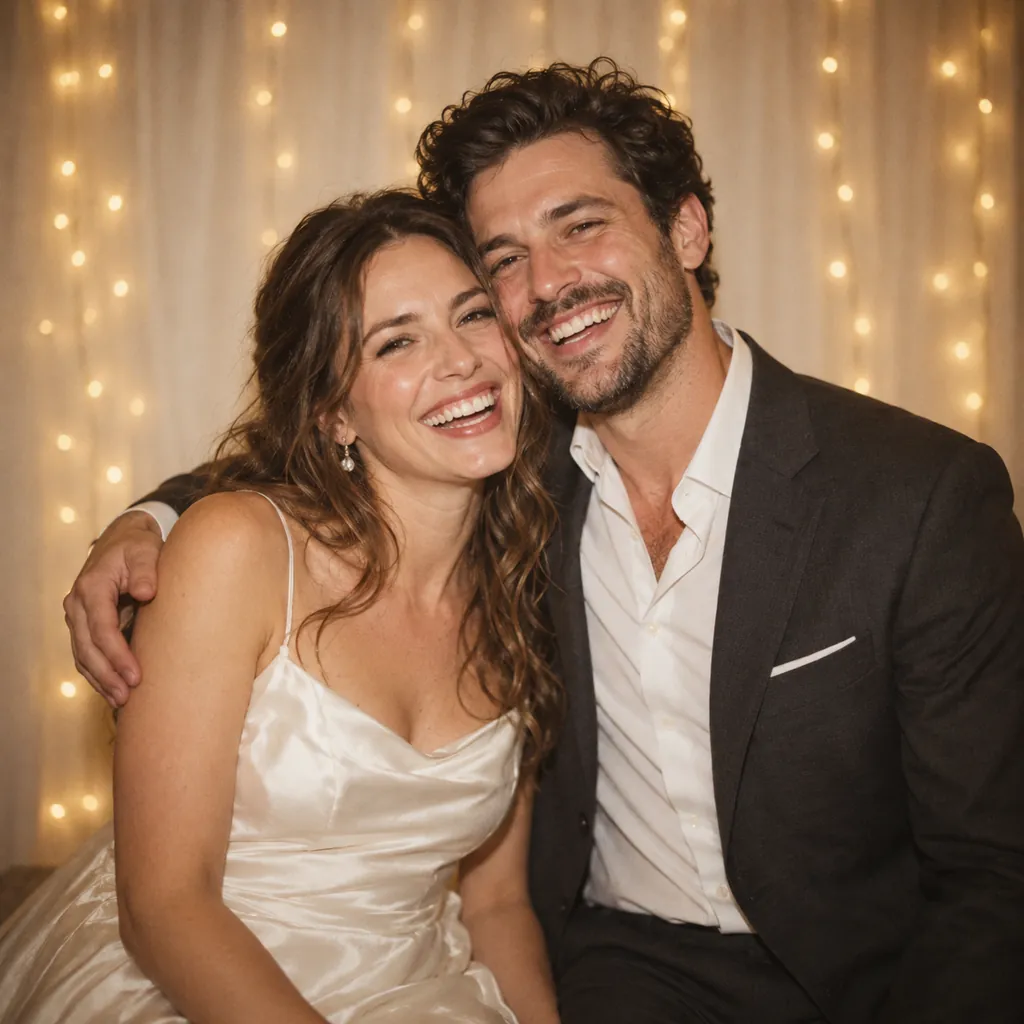

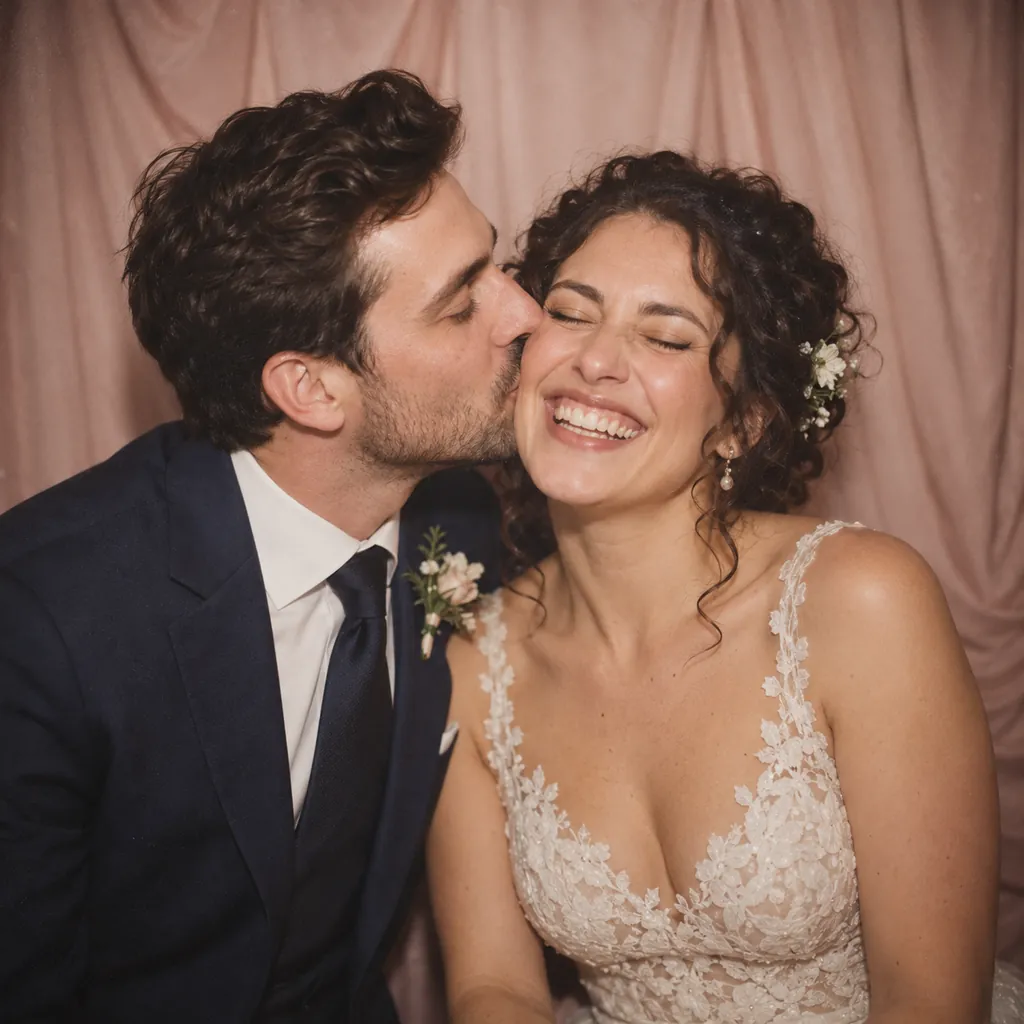






Example photos
How it works
One seamless experience, from the first smile to the final print.
01
A countdown, a soft flash, and a hands-free burst on the timing you set for the event.
02
Guests pick from the frames you designed. The preview uses the same renderer as the print.
03
Straight to your printer, no dialogs, with a QR on the print that leads to the gallery.
04
Their photos and session video are on their phone before they are back on the dance floor.
Instant printing
oibooth sends a finished strip straight to the photo printer you already own — any printer Windows can drive.
Every detail, beautifully customizable.
Frame designs
Create beautiful photo strips that feel uniquely yours.
These are examples. In oibooth you upload your own artwork, drag the photo openings onto it and add text — and the preview is exactly what prints. Open the frame editor
The digital diary
Keep every photo, every smile, and every little moment together.
Preview of a guest gallery
Every kind of night





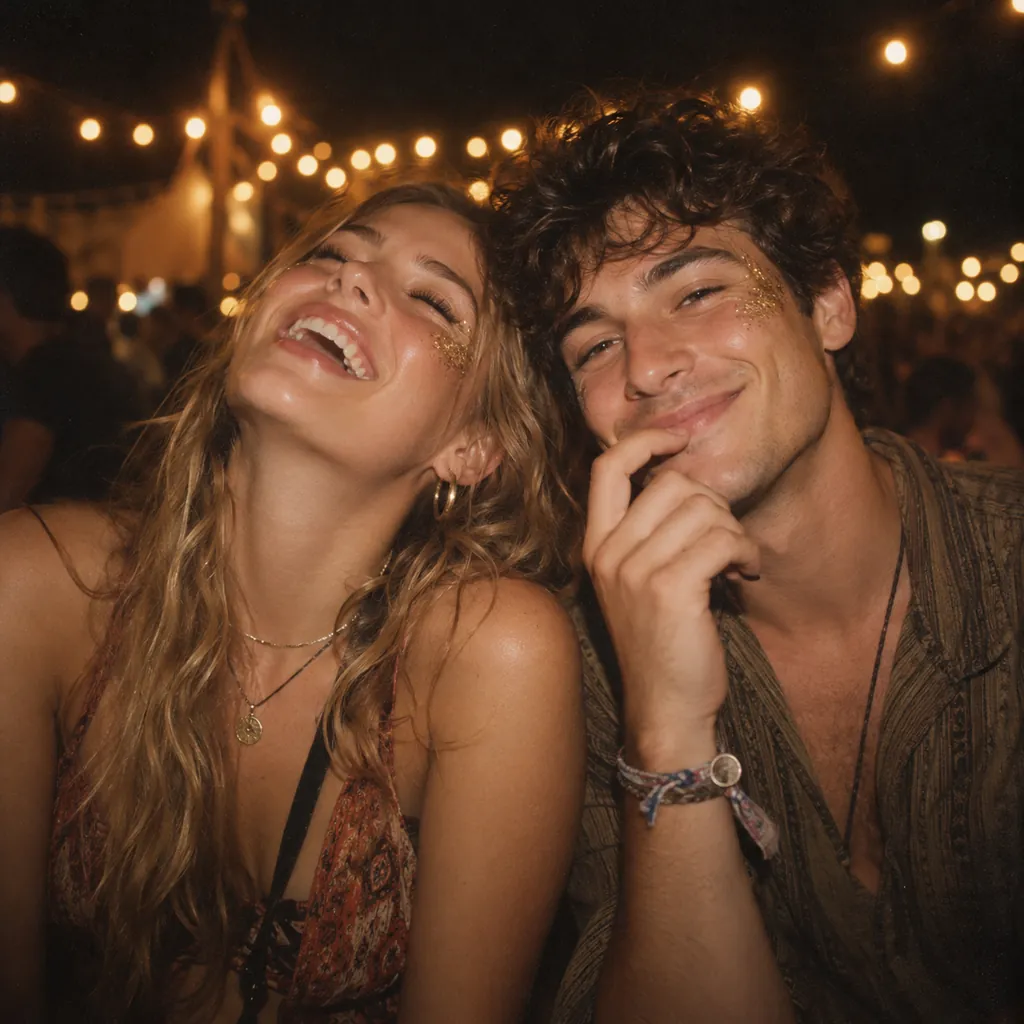

Example photos
The oibooth dashboard
Everything you need to run your photobooth business, all in one place.
Every session filed under its event, with prints, shots, video and view count.
Upload artwork, place the photo openings, save. Unlimited frames.
QR galleries with retention you choose, and storage you can see.
Printer health and prints remaining, per booth, before the client notices.
Pair each PC once, then watch camera, printer and uploads from here.
Branding, frames and gallery rules per event; booths pick changes up in about a minute.
Built for the business
Multi-booth management
Pair each PC once with a six-character code, assign it to an event, and see camera, printer and pending uploads from one screen. You know a printer is offline before your client does.
Cloud administration
Headline, logo, frames, countdown, copies and gallery rules live on the event. Save in the browser and the booth picks it up in about a minute — no USB stick, no restart.
Offline-friendly
The booth caches the whole event and saves every session to disk before any network call. Guests still get their print and QR; uploads resume on their own when the signal is back.
Your kit, not ours
If Windows can see the camera and print to the printer, oibooth can run the night. Set paper size, cutter and camera source once in Setup and keep the kit you already own.
Pricing
A busy Saturday costs what a quiet one does. Pause for up to four months a year when the season stops.
Solo
One booth, every weekend.
$49/mo
See what's includedStudioMost operators
A few booths and a small crew.
$129/mo
See what's includedFranchise
Several cities, or you rent booths out.
$279/mo
See what's includedMore than ten booths, or need it on your own servers? Enterprise
Questions
Guests will not notice. Each session is written to the booth’s own disk before any network call, so capture, printing and the QR code keep working with no connection at all. Uploads wait in a queue that survives restarts and power cuts, and drain on their own when the network comes back.
No. OiBooth uses whatever camera and printer Windows already drives. You set the camera source, and the printer’s paper size, cutter and colour, once in Setup. If you are unsure about your kit, book a walkthrough and we will set it up with you on your own hardware.
Yes. Upload any artwork, drag the photo openings onto it, add text if you need it, and save. Unlimited frames on every plan, each printed at the size you drew it, and you choose which ones an event shows. What you see in the editor is what leaves the printer.
Each booth pairs to your account and is assigned to an event, and each event carries its own branding, frames, filters and gallery rules. Photos upload against that event, stay searchable afterwards, and expire when you say. One dashboard covers the fleet, the calendar and the galleries.
About a minute for most operators, but you control it. The countdown and the pause between shots are set per event, and the frame a guest picks decides how many shots are taken.
Yes: your logo and colours on the booth screens, your artwork as frames, your text on the print. On Franchise and Enterprise the guest gallery runs on your own domain with no mention of us.
No. They scan the QR on their strip and the photos are there. No install, no sign-up, no email wall. You can still turn downloads off per event if a client asks.
You do. They sit in your account against the right event, and you decide how long guest links last. We do not sell, license or train anything on your images.
Sign up with an email address or your Google account. You get a dashboard, two starter frames and a pairing code for your first booth. If you would rather see it running on your own hardware first, book a walkthrough and we will take a test print on the call.
Set up your first event tonight, on the camera and printer you already own.
No card needed, and no sales sequence afterwards.